 Drawlock
Private photos, videos and files, locked by a pattern only you know.
Drawlock keeps them in an encrypted vault on your phone. No account, no cloud, no ads, nothing collected. Free to start.
 Scan with your phone to get Drawlock
- No account
- Nothing uploaded
- No ads
- No tracking
- AES-256 on your phone
- iPhone and Android
How it works
Three steps, and nothing about you ever leaves the phone.
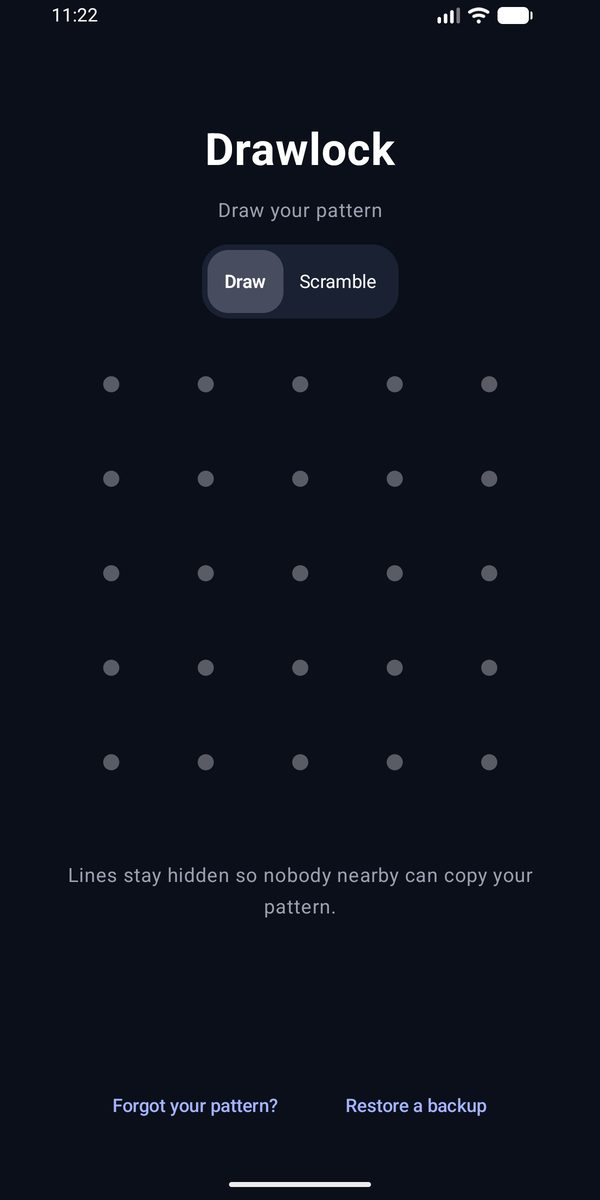
Draw your pattern
Connect at least 8 of the 25 dots. Drawlock turns the pattern into the vault's encryption key, right on your phone. It shows you a recovery code once: write it down and keep it somewhere safe.
Add what you want to keep private
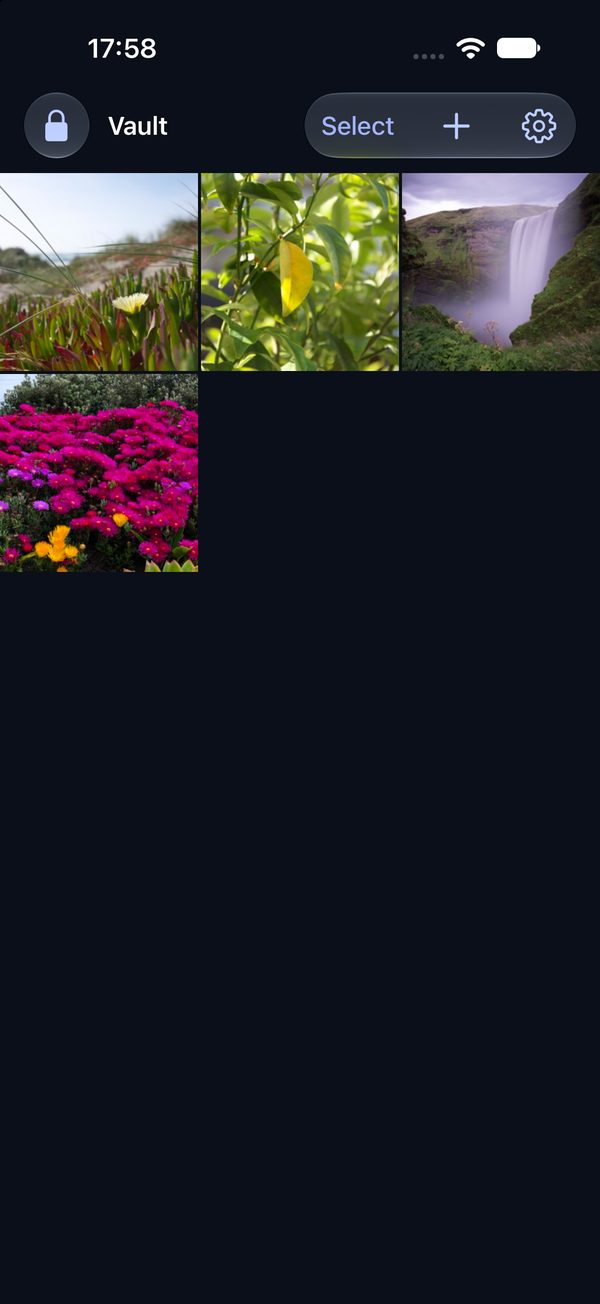
Import from Photos or your gallery, pick files such as PDFs, or shoot straight into the vault with the built-in camera. Each item, with its name and thumbnail, is encrypted as it is added.
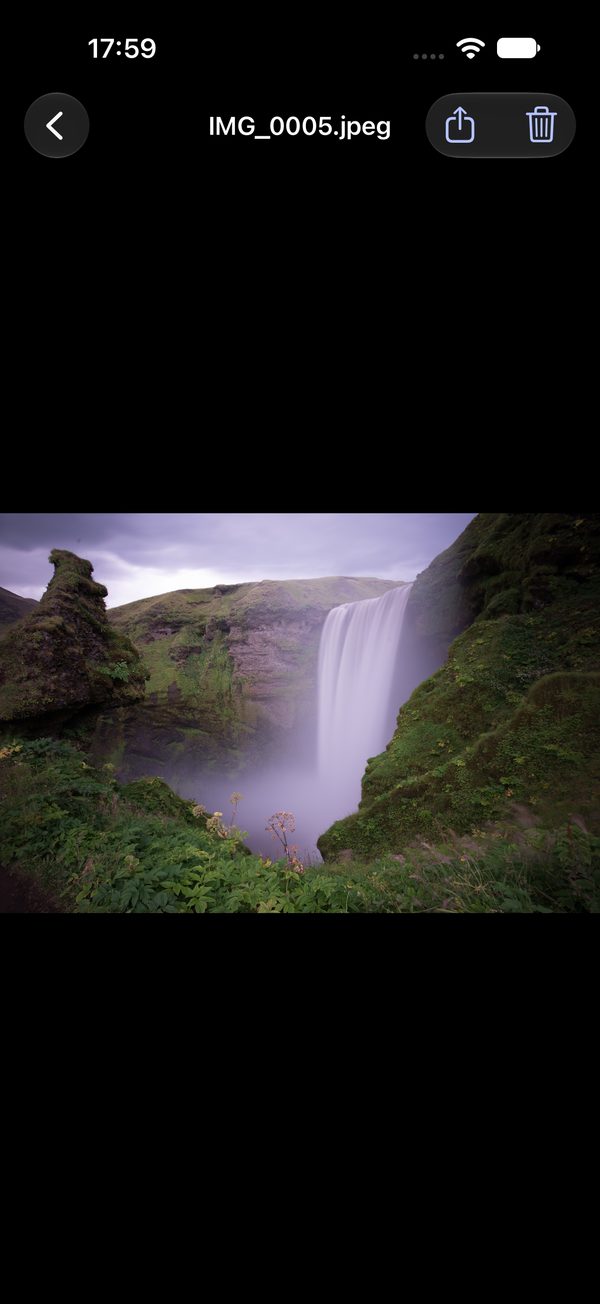
Open, view, export, lock
Open any item full screen and export it whenever you like, on every plan. Leave the app or stop touching the screen, and the vault locks itself.
Features
Built for keeping things private on your own phone, and honest about what that means.
Encrypted on your phone
Every photo, video and file, with its name and thumbnail, is sealed with AES-256 before it is saved. The key comes from your pattern. We never receive either.
One pattern, one vault
Each pattern opens its own vault. A pattern nobody set up opens an empty one. There is never a list of vaults to find.
Scramble
When someone may be watching, tap shuffled letters instead of drawing. They move after every tap, so your hand gives nothing away.
Double lock
Require your pattern and your face or fingerprint together. The key is tied to that phone, so a copy of the files opens nowhere else.
Duress vaultPro
A pattern that erases every other vault on the phone, then opens a vault you are willing to show.
Camera inside the vault
Take photos and videos straight into the vault. They never land in your camera roll or gallery.
Backups you control
Save any vault as one encrypted file. It restores on iPhone and on Android, with the vault's pattern or recovery code.
Locks itself
When you leave the app, and after 30 seconds to 5 minutes without a touch. The app switcher hides the vault; Android also blocks screenshots.
Your files stay yours
Viewing and exporting what you stored never requires Pro, also after a subscription ends. No ads on any plan.
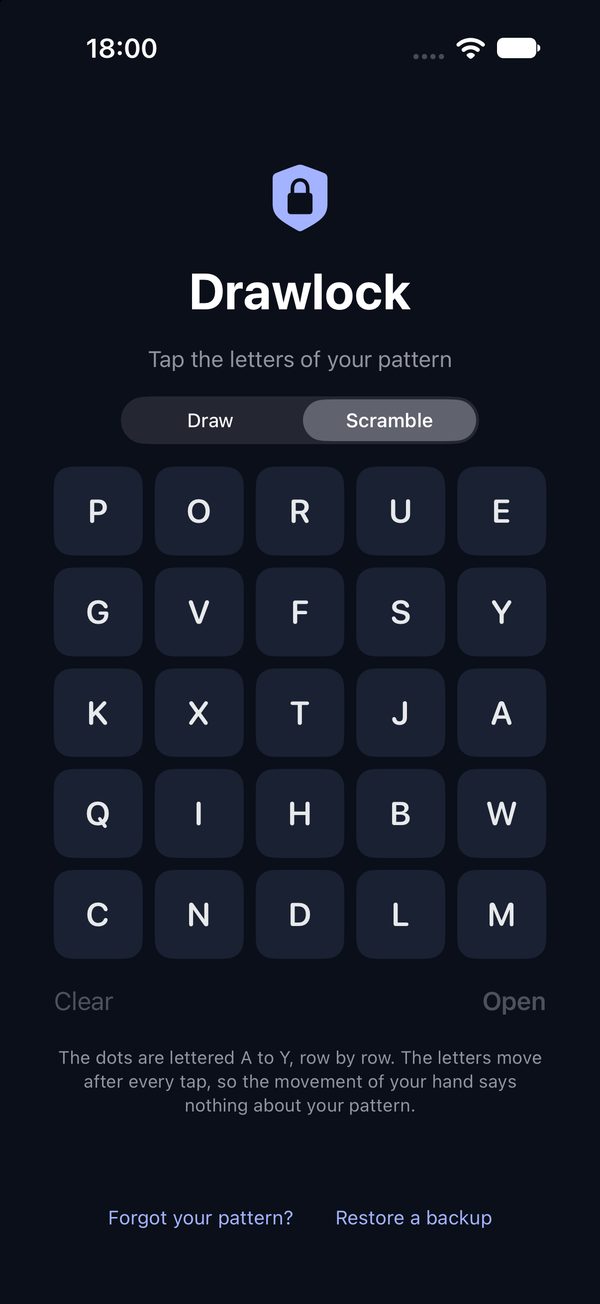
Scramble, for when someone is watching
Every dot has a letter, A to Y. In Scramble the letters sit in random places and move after every tap. Tap your pattern's letters in order, then Open. Someone looking over your shoulder or filming the screen learns nothing about the pattern.
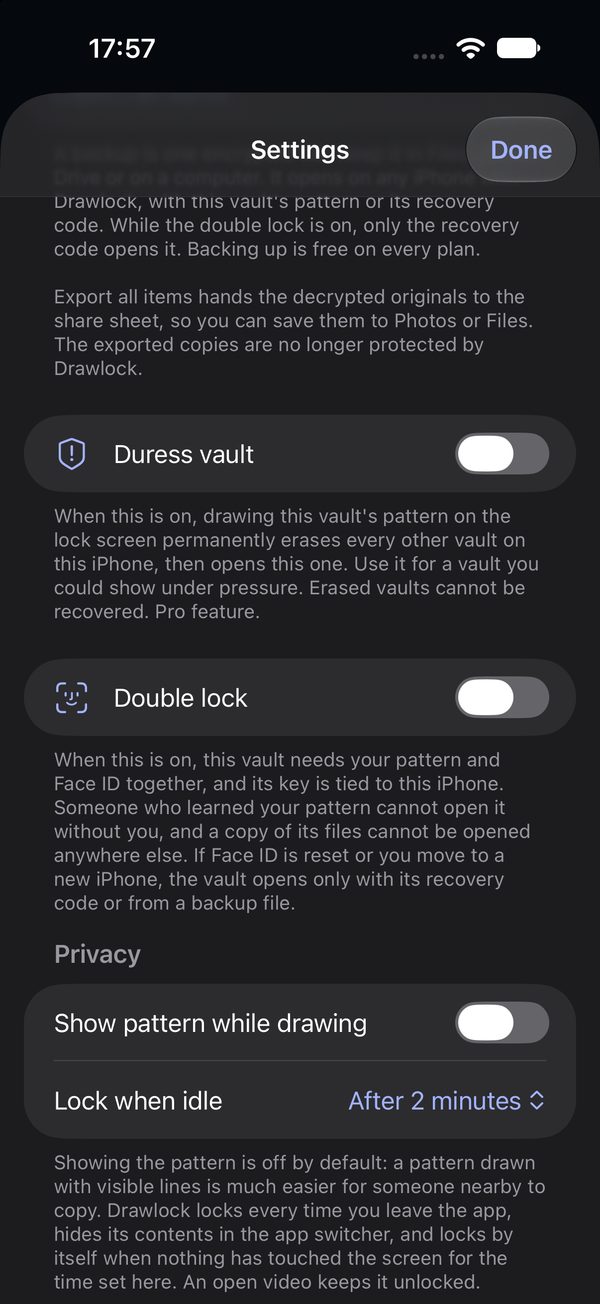
A second lock, and a way out under pressure
Turn on the double lock and the vault needs your pattern and Face ID, Touch ID or your fingerprint together. Turn on the duress vault, and its pattern permanently erases every other vault on the phone before it opens. Both are set per vault, in Settings.
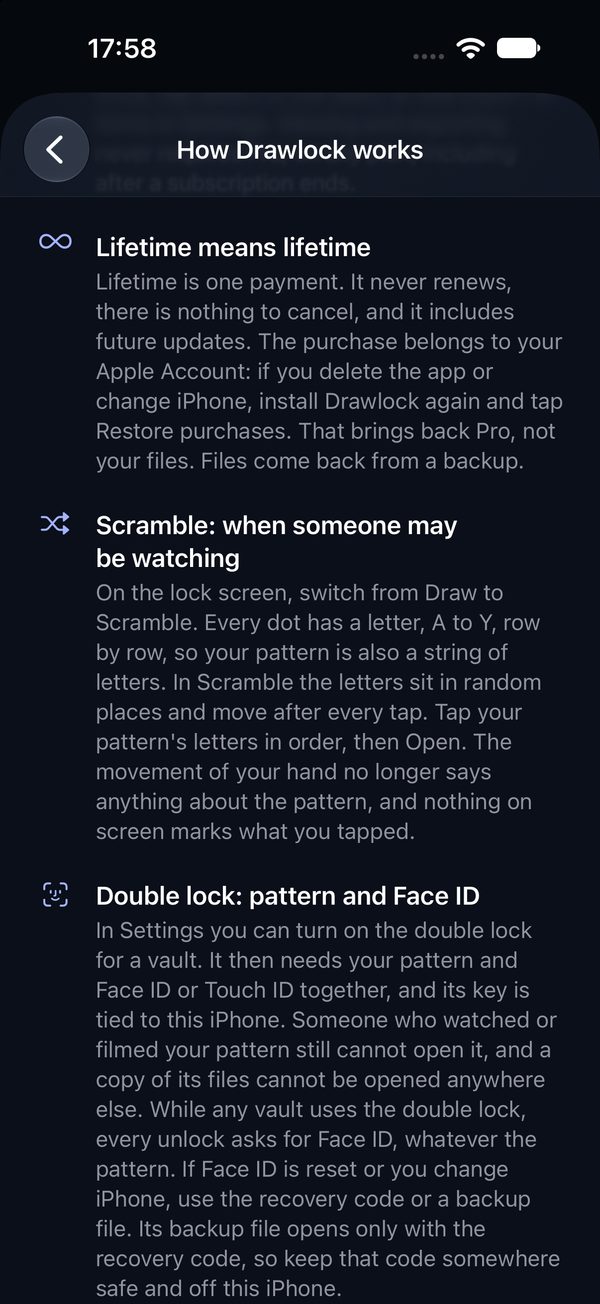
Honest about limits
The app explains in plain words what it protects against and what it cannot: a vault left open in front of someone, a pattern someone saw you draw, or a compromised phone. If you lose both the pattern and the recovery code, nobody can open the vault, including us.
Security model
There is no server to trust. Everything that protects your vault runs on your phone.
A short pattern can be guessed by someone who copies a vault's files off an unlocked phone and runs fast computers. Use 10 or more dots, and the double lock for anything you could not bear to lose.
Someone gets your phone. Now what?
- They see 25 dots. Every pattern opens something, usually an empty vault, so the screen never says which patterns are real.
- After 4 misses, every try has to wait, up to an hour.
- With the double lock, your face or fingerprint is needed too, and copied files cannot be opened on another device.
- If you are forced to open Drawlock, the duress vault erases every other vault on the phone and opens one you are willing to show.
- And from us they get nothing: we have no account, no copy and no key.
Pricing
Start free. Upgrade only if you need more.
Free
- 3 vaults
- 100 items per vault, of which 10 videos
- Scramble, double lock, camera
- Backups and export
- No ads
Pro
- Unlimited vaults
- Unlimited photos, videos and files
- Duress vault
- Monthly 4.99 USD, yearly 19.99 USD with a 7-day free trial, or Lifetime 39.99 USD once
Questions
What is Drawlock?
Drawlock is an encrypted vault for photos, videos and files on your phone. You open it by drawing a pattern on a grid of 5 by 5 dots. Everything stays on your phone: there is no account, no cloud, no ads and no data collected.
I forgot my pattern
On the lock screen tap “Forgot your pattern?” and enter the recovery code you saved when the vault was created. Then draw a new pattern. Without the pattern and without the code nobody can open the vault, including us. We have no copy of either.
Can anyone at Drawlock see my photos?
No. Your files never reach us. There is no server, no account and no analytics.
Are my vaults backed up automatically?
On iPhone, yes: vaults are part of the iPhone's iCloud or computer backup, still encrypted. On Android, no: Drawlock is not part of Google's backup. On both, a backup file you make yourself is the copy you control.
What is free and what does Pro add?
Free: 3 vaults with up to 100 items each, of which 10 videos, plus Scramble, the double lock, backups and export. Pro: unlimited vaults, photos, videos and files, and the duress vault. There are no ads on any plan. Viewing and exporting what you stored never requires Pro.
Which phones does Drawlock work on?
iPhone with iOS 17 or later, and Android phones with Android 10 or later. Drawlock is made for iPhone; there is no separate iPad version.